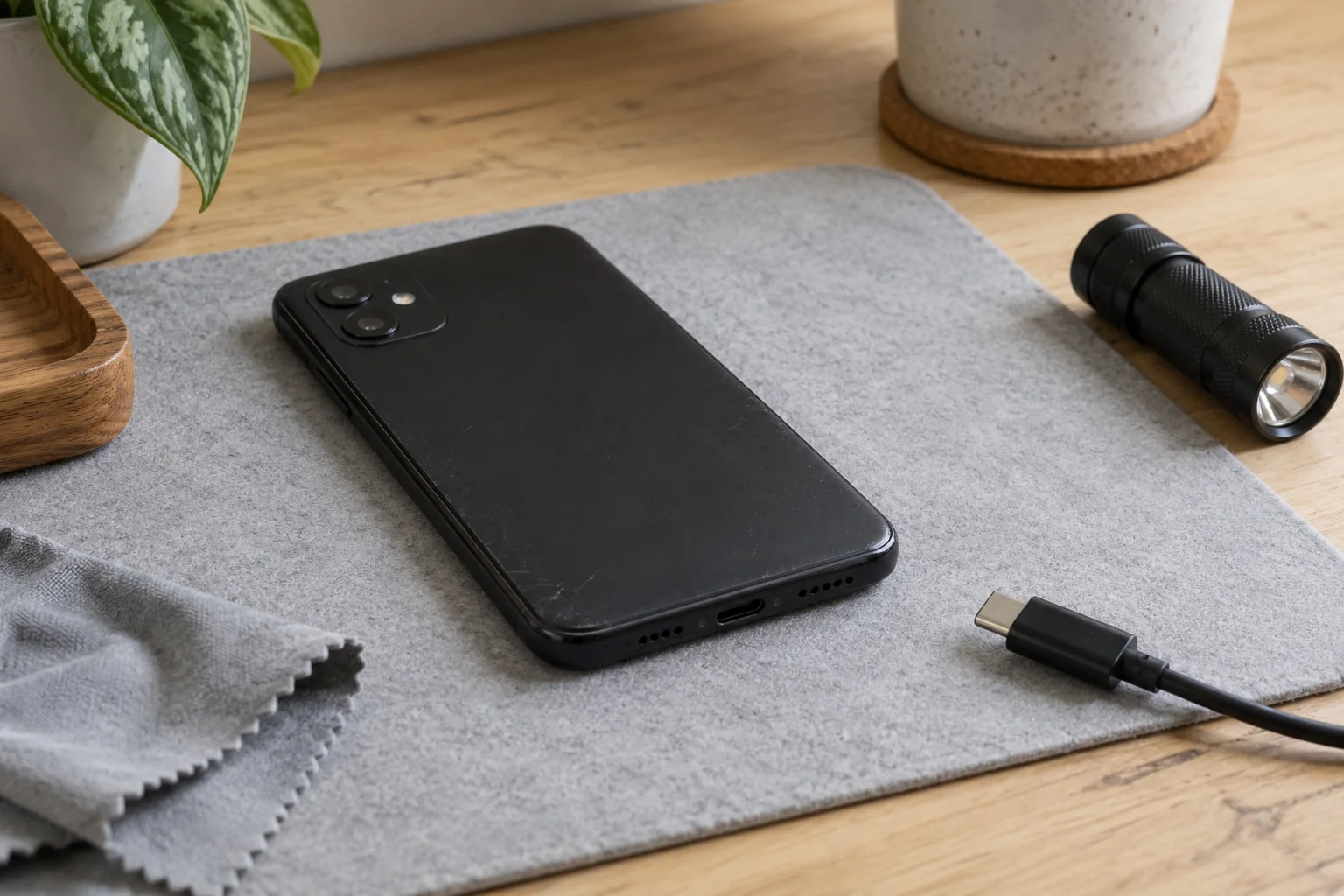
A phone that boots can still leave a liquid-exposure question unresolved. To check a used phone for water damage, record its accessible indicator, any connector alert, and visible condition separately; hold wet or questionable units for appropriate assessment before routine charging.
This guide gives used-phone receivers a per-unit evidence sheet and a way to distinguish exposure evidence from a diagnosed fault. It covers external observation and recordkeeping. A clean-looking phone is not a certificate that hidden corrosion is absent. The detailed manufacturer examples below concern iPhones; another maker’s indicator colors and access points need their own documentation.
Keep exposure, alerts, and faults on separate lines
Use the following distinctions when a seller describes a unit as “water checked.” Ask which observation was made, on which unit, and when. The decision column is an editorial intake recommendation rather than an OEM pass standard.
| Evidence | What to retain | Receiving decision |
|---|---|---|
| Accessible liquid-contact indicator | Verified location, observed color, clear photo or reason it could not be seen | Record exposure evidence or an unresolved observation; do not infer a component diagnosis |
| Connector liquid alert | Exact displayed message, date, cable/accessory involved | Stop the connection and follow the model’s support instructions |
| Visible condition | Wetness, deposits, discoloration, and their precise location | Preserve a photo; refer questionable condition rather than naming its chemistry |
| Functional observation | Exact behavior and conditions, or “Not tested” | Keep it separate from the liquid-exposure record |
| Seller’s exposure history | Exact statement and its source | Label it reported history, not an observation by the receiver |
Record “not accessible,” “not inspected,” and “unclear” distinctly. None fills a missing inspection with a pass. Cosmetic grade belongs on the separate used-phone grading record; it should not erase an unresolved exposure entry.
Confirm the model and region before looking for an indicator
Apple’s liquid-contact indicator guide provides a model-specific location chart. It describes an untriggered indicator as white or silver and an activated one as red after contact with water-containing liquid. Follow the chart for the actual unit, using suitable light and magnification.
Apple also notes that some regional, eSIM-only variants have no SIM tray or externally visible indicator. Do not transfer a tray location from a similar-looking phone or call the absence of a visible indicator a pass.
| Unit in front of you | Applicability entry |
|---|---|
| iPhone with an external location documented in Apple’s chart | Save the chart reference, model identification, and observed location |
| Regional eSIM-only iPhone without external indicator access | Record “No externally visible LCI on this variant” after confirming the variant |
| Other manufacturer’s phone, including Android models | Unknown / verify on the unit and in that manufacturer’s exact model guidance |
| Location obscured, identity uncertain, or observation ambiguous | Record why it remains uninspected or unclear; retain the unresolved status |
Apple’s water-resistance guidance says to dry the phone before opening its SIM tray. If that condition is not met, leave this observation pending. This is an external receiving check, not an instruction to open the housing.
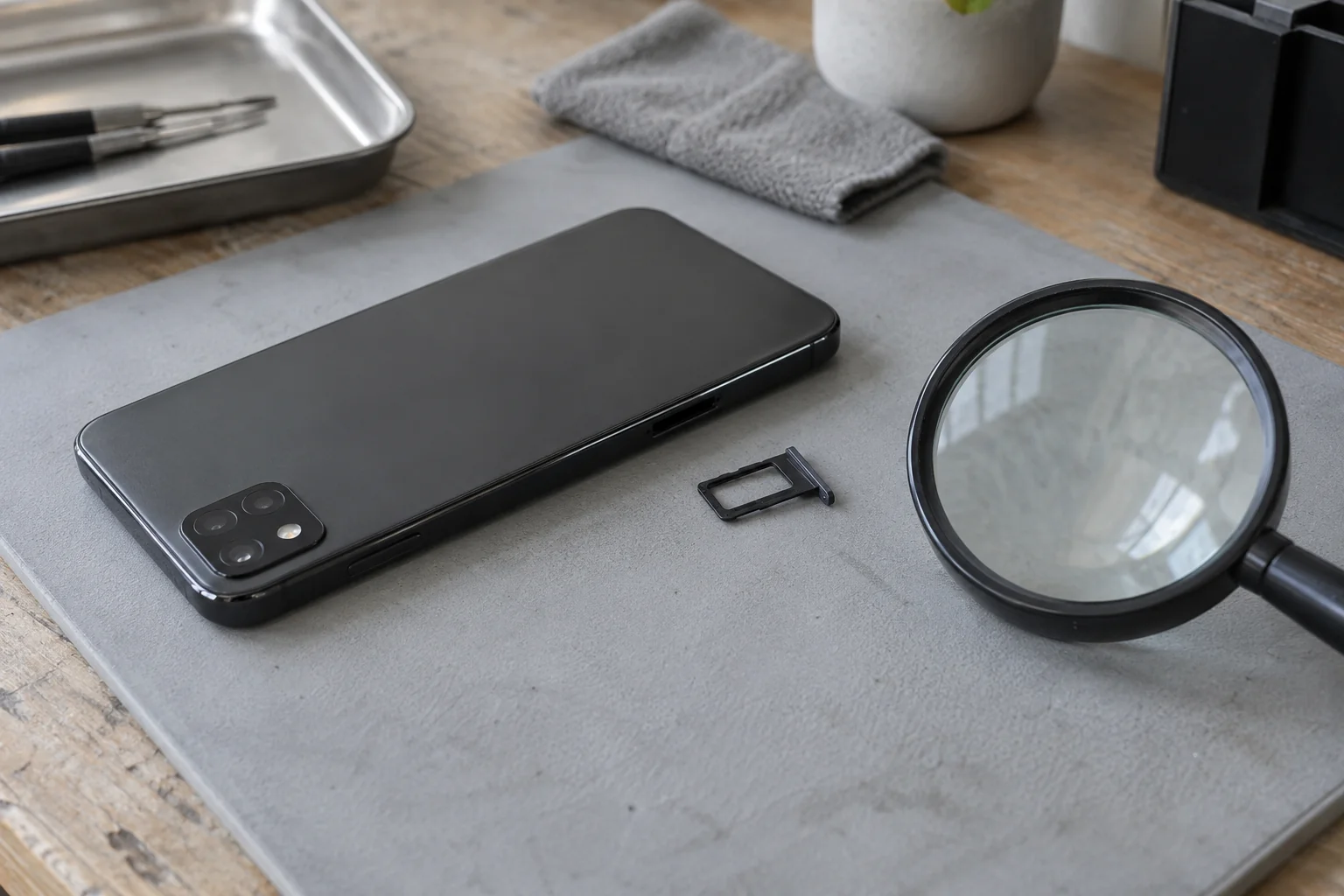
A red indicator is a reason to retain the exposure finding and seek assessment when needed. Apple recommends inspection if the relationship between exposure and an issue is uncertain, even with a red indicator. A difficult-to-see indicator should remain unclear; guessing its color produces a misleading record.
Preserve an alert without provoking another one
Do not connect a suspect wet phone merely to see whether it produces a warning. If an alert has already appeared, retain its wording and the connected accessory, then disconnect. Apple’s connector-alert guidance concerns liquid detected in the connector or on the cable or accessory; it is not a whole-device internal inspection.
Apple warns that charging through a wet connector can damage its pins through corrosion. Follow its drying instructions for a wet connector; do not use heat, compressed air, objects pushed into the port, or rice. This receiving workflow does not use an emergency charging override as an acceptance check.
If a warning recurs with one accessory, preserve that association. If it persists with Apple cables or accessories, Apple’s guidance directs the user toward service. Keep the accessory history attached to the unit rather than rewriting an alert as proof of internal board damage.
Describe visible residue before changing the condition
Before cleaning or repair changes what can be seen, save an overall unit photo and a close view of the questionable area. Name the observed feature and its position: for example, “pale deposit along the outer charging-port rim.” That is a descriptive example, not a finding on a handset tested for this article.
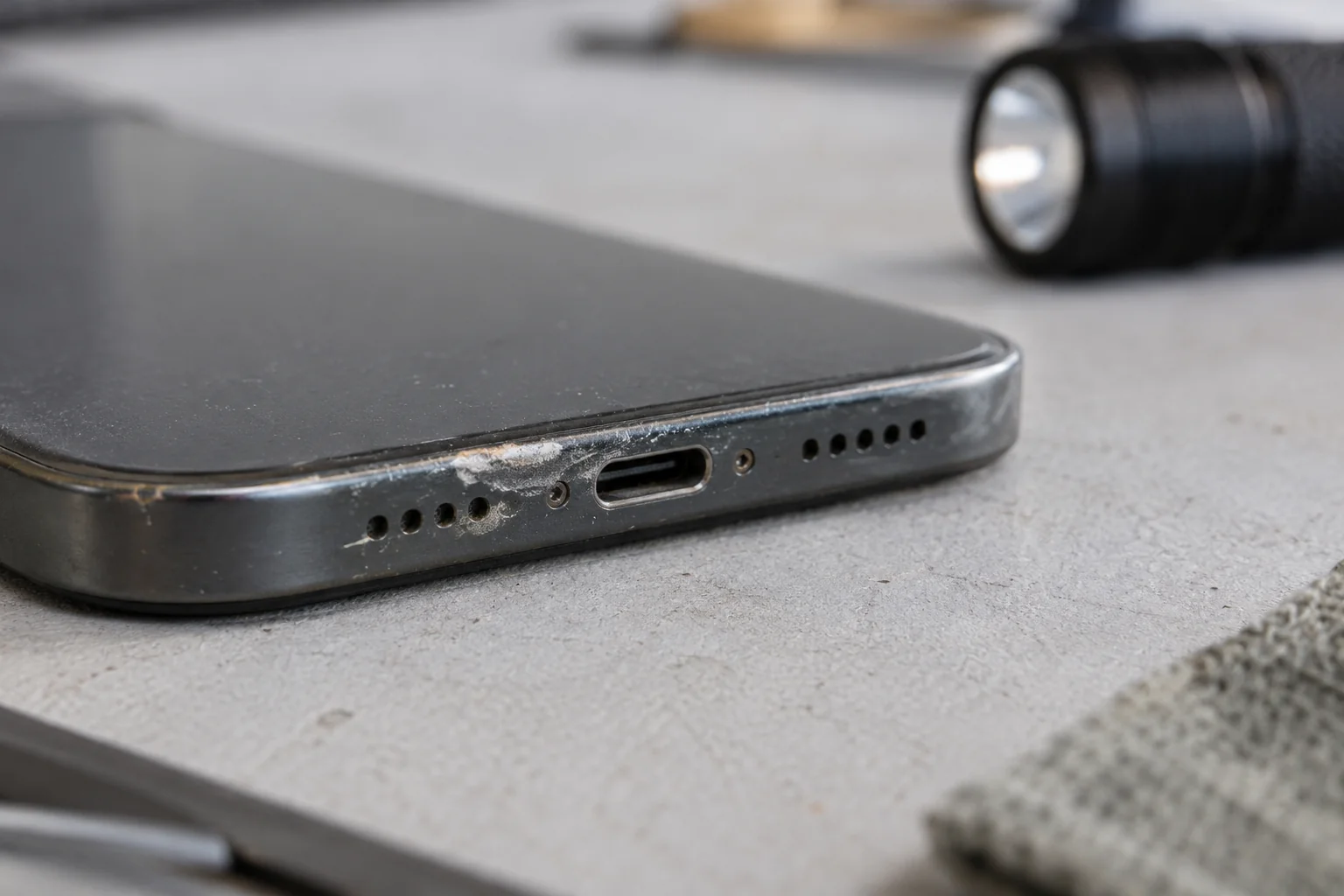
A photo can preserve the appearance, but this guide does not identify the deposit, date an exposure, or determine internal damage from its color. Keep the original file, the unit reference, and the observation date together. If cleaning or service occurs later, add a new entry and retain the earlier one.
Copy a record for each unit and each observation
Download the blank liquid-exposure intake sheet (CSV). It contains field names and an empty row, with no sample readings or prefilled pass result. Use a new row for each observation so a retest cannot overwrite the original condition.
| Record group | Complete from actual evidence |
|---|---|
| Identity | Internal unit reference, shipment/carton, observed identifier, model, regional variant, date, operator |
| Applicability | Manufacturer guidance URL; external indicator available, unavailable, or unknown |
| Indicator | Location, observed color or inspection limitation; photo reference |
| Visible condition | Wetness, deposit/discoloration description and location; photo reference |
| Alert | Exact message, date, accessory reference; “Not observed” or “Not tested” where appropriate |
| Other function | What was checked, conditions, observed result, or “Not tested” |
| History | Seller statement or repair document and source, or unknown |
| Disposition | Hold, referral, or return to remaining intake checks; reason, owner, and unresolved fields |
Keep acceptance and cause as separate decisions. A receiver can document a discrepancy without claiming to know the failed component. Use these boundaries:
- Wetness or a connector warning is present: stop routine powered intake and follow the appropriate manufacturer instructions. Retain the original observation.
- An activated indicator or questionable residue is found: hold the liquid-exposure decision for qualified inspection and retain photos. Do not substitute a successful boot for that assessment.
- Model applicability or a required observation is missing: leave the check pending, identify who will resolve it, and avoid a “water checked” label.
- No concerning sign is observed in the accessible checks: record only that scope and proceed to the remaining phone intake and diagnostic workflow. This does not resolve hidden condition or future reliability.
What an intake check cannot certify
Neither a quiet alert history nor an ordinary-looking accessible indicator establishes the condition of every internal area. That is the limit of this observational workflow, not a measured false-negative rate. It provides no leakage-current threshold, teardown procedure, drying deadline for acceptance, or prediction of when a fault might appear.
An original water-resistance rating also cannot establish a particular used unit’s current condition. Apple states that resistance is not permanent and can diminish with wear. Do not immerse a received phone to challenge its rating. Where the history and observations conflict, retain the conflict and request an assessment addressing the specific unresolved question.
Method and sources
Updated October 2026. This article synthesizes the linked Apple support documents: the liquid contact indicator guide (May 26, 2026), liquid-detection connector alert guidance (October 30, 2024), and iPhone water-resistance guidance (July 14, 2026) to structure intake inspection records and hold/referral dispositions.
Sources
- Water and other liquid damage to iPhone or iPod isn't covered by warranty — Apple Accessed October 16, 2026.
- If you see a liquid-detection alert on your iPhone — Apple Accessed October 16, 2026.
- About splash, water, and dust resistance of iPhone 7 and later — Apple Accessed October 16, 2026.