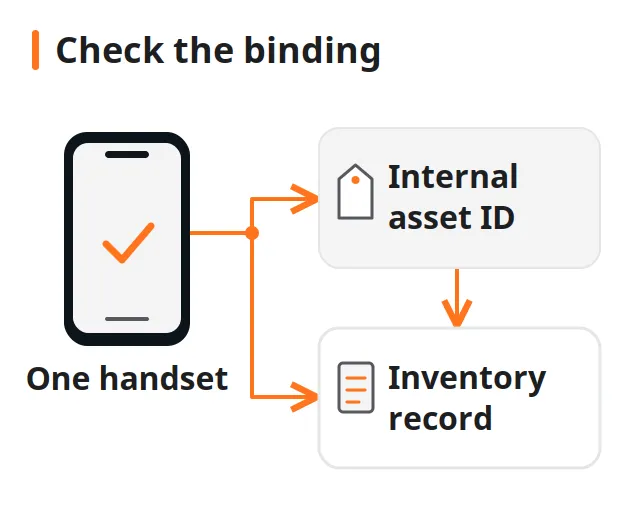
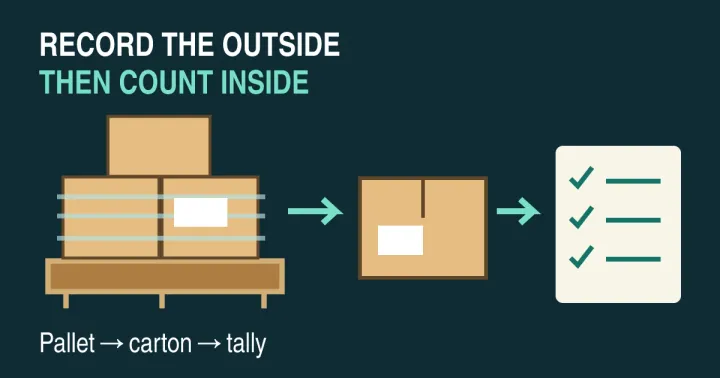
Approving an unreviewed stock adjustment after a shelf count can erase a missing handset record or double-count a dual-SIM device. To reconcile phone inventory already in stock, compare a dated, frozen system export against observed per-unit identifiers under a strict movement cut-off, and retain every missing, unexpected, or repeated record before releasing any balance change.
An IMEI inventory reconciliation template must separate what the inventory system expected at the snapshot timestamp from what the counter physically observed on the shelf, including which identifier slot (IMEI 1, IMEI 2, EID, or Serial Number) and observation medium produced the reading. Matching SKU headcount alone can hide a one-for-one unit swap when one missing IMEI and one unrecorded IMEI share the same model. This guide provides a downloadable blank reconciliation worksheet, movement cut-off controls, identifier source rules for iOS and Android devices, and an exception disposition matrix. Identifier equality between a shelf scan and a stock export confirms physical presence only; it does not establish legal ownership, carrier unlock status, or absence of a network block.
| Input or control | Value or source to record | Why it changes the reconciliation |
|---|---|---|
| Frozen stock snapshot | Export timestamp, subinventory/bin scope, and expected per-unit rows | Establishes the static baseline against which adjustments are calculated |
| Movement cut-off check | Confirmation that pending receipts, bench moves, and shipments are cleared or paused | Prevents in-transit handsets from appearing as false shortages or overages |
| Expected identifier set | asset_id, IMEI 1, IMEI 2, and Serial Number / EID from the system record |
Prevents dual-SIM or CDMA/GSM format differences from failing the match |
| Observed identifier & medium | Exact scanned/read string plus source (Settings, *#06#, SIM tray, housing, box, or tag) |
Distinguishes a software readout on the logic board from a replaceable tray or box label |
| Exception classification | Matched, Missing, Unexpected, Repeated, Slot/source mismatch, or Unreadable |
Separates administrative mapping fixes from true physical quantity variances |
| Reviewer sign-off | Approver name, date, evidence reference, and approved adjustment action | Stops unentered or unresolved count rows from auto-posting irreversible write-offs |
Why must an IMEI reconciliation start with a frozen snapshot and movement cut-off?
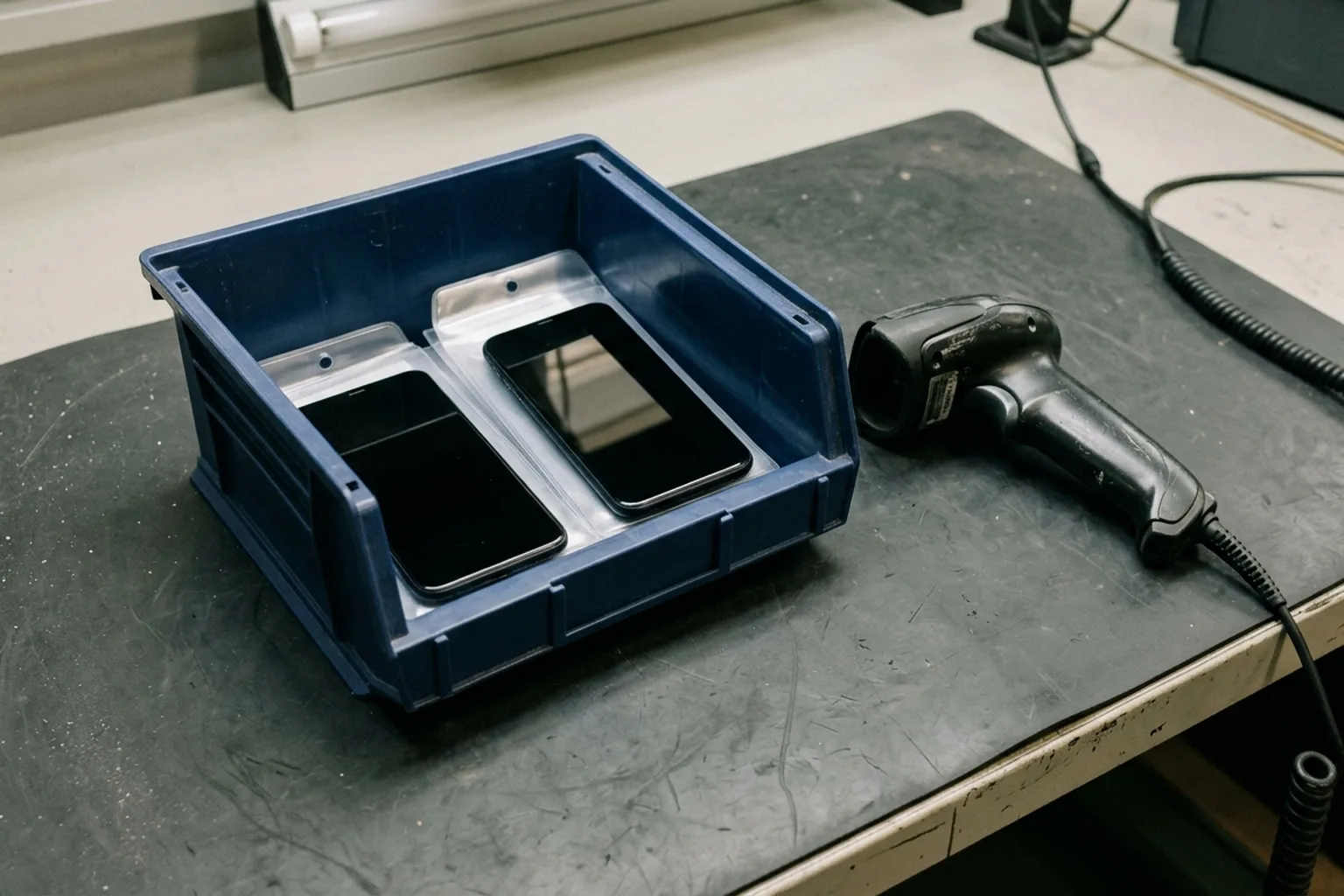
Reconcile physical phone counts against a frozen point-in-time snapshot after clearing pending transactions and pausing physical movements in the counted bins. Comparing floor scans against a live, moving inventory balance creates artificial variances whenever receiving, refurbishment bench transfers, or order fulfillment overlap the count window.
In the Oracle Inventory Physical Inventory documentation (opened October 17, 2026), taking a snapshot saves the current system on-hand quantities and costs as static baseline figures before count tags are generated. Because inventory software does not automatically halt physical warehouse processing during a count, the documentation specifies two operational prerequisites: clear pending interface transactions before taking the snapshot, and procedurally stop transaction activity in the counted location until adjustments are completed.
Oracle’s guide illustrates why adjustment math depends on the snapshot rather than the live balance: in its documented example, if a bin snapshot records 30 units, the physical count finds 25 units, and normal transactions resume before adjustment approval so the live balance rises to 45 units, the adjustment program still calculates 25 − 30 = −5 units against the snapshot and posts a revised balance of 40 units. In a serialized handset warehouse, an uncoordinated transfer during the count window is even more disruptive: the specific IMEI moved to a repair bench or packing table is flagged as missing from its snapshot bin even though the unit never left the facility.
Keep this periodic stock audit separate from dock arrival checks. Use palletized shipment unboxing and tally protocols when verifying incoming cartons against a supplier’s manifest, and use the used-phone barcode and asset-tagging workflow when binding a new internal asset label to a handset for the first time.
Takeaway: Freeze the target bin export and confirm that receiving, bench, and RMA movements are paused for that location before scanning the first handset.
Which device identifiers and observation sources belong on the count sheet?
Record the specific identifier type (IMEI 1, IMEI 2, MEID, EID, or manufacturer Serial Number) alongside the exact place it was observed (Settings, *#06#, pre-setup screen, USB host tool, SIM tray, rear housing, or packaging label). Treating every barcode on a sleeve or box as interchangeable with the handset’s internal software readout hides SIM-tray swaps, re-boxed units, and dual-SIM slot mismatches.
According to the GSMA Device Check FAQs (opened October 17, 2026), cellular devices carry a 15-digit IMEI (International Mobile Equipment Identity for GSM networks), a 14-digit MEID (Mobile Equipment Identifier for CDMA networks), or an 8- or 11-digit ESN, whereas Wi-Fi-only devices have no cellular equipment identifier. On dual-mode Apple devices, Apple Support article 108037 (published May 12, 2026; opened October 17, 2026) notes that the MEID is the first 14 digits of the IMEI.
Dual-SIM and eSIM hardware adds a second cellular identifier per unit. As documented in Google Pixel Phone Help on IMEI and ID numbers and Google Pixel dual-SIM guidance (opened October 17, 2026), Pixel 3a and later phones capable of Dual SIM Dual Standby (DSDS) carry two IMEIs (IMEI 1 and IMEI 2, one for each SIM slot) plus an EID (Embedded Identity Document) for eSIM. Google notes that viewing IMEI (SIM slot 2) in Settings > About phone can require turning on DSDS, and that US Pixel 10 models (except the Pixel 10 Pro Fold) operate with eSIM only and have no physical SIM tray.
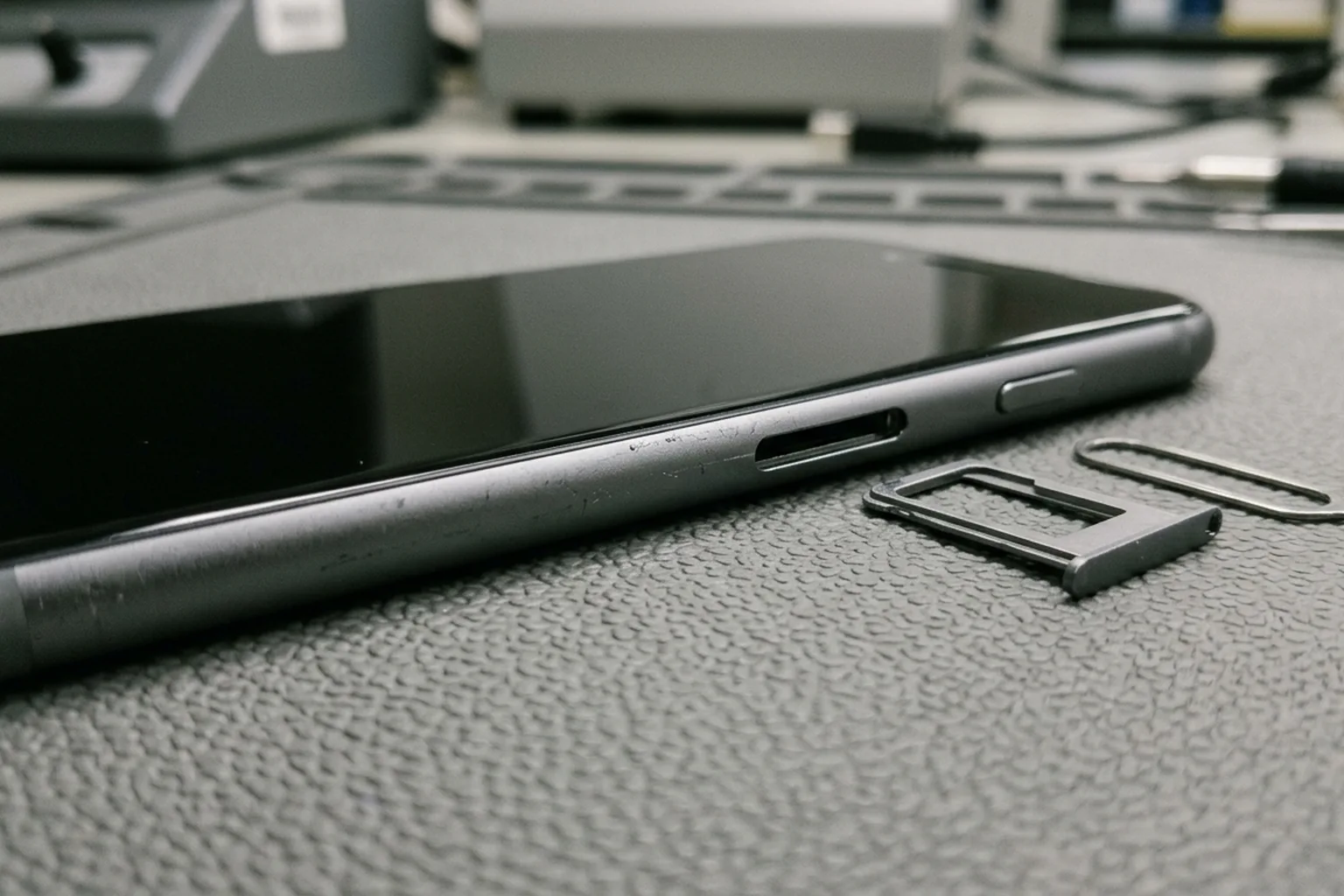
Hardware engraving availability also changes by model generation. Apple’s identifier guide (108037) documents four distinct hardware patterns across iPhone generations:
- iPhone 14 models and later: No
IMEI/MEIDengraving on the device; identifiers are read in software (Settings > General > About, the pre-setup"Hello"screenInfobutton, orFinder/Apple Devices/iTunesover USB) or from the original packaging barcode. - iPhone 13 through iPhone 6s (including iPhone SE 2nd and 3rd generation): Serial number in
Settings;IMEI/MEIDengraved on the SIM tray. - iPhone 6, 6 Plus, SE (1st generation), 5s, 5c, and 5: Serial number in
Settings;IMEI/MEIDengraved on the back housing. - iPhone 3G, 3GS, 4 (GSM model), and 4s: Both serial number and
IMEI/MEIDon the SIM tray (original iPhone engraved both on the back).
| Observation source | How the counter reads it | Reconciliation evidence level & limitation |
|---|---|---|
Settings > General > About (iOS) or Settings > About phone (Android) |
Powered, unlocked handset menu | Primary software observation of Serial Number, IMEI 1, IMEI 2, and EID |
Keypad *#06# |
Dialer keypad on a powered handset | Displays electronic IMEI/MEID/EID without navigating deep settings menus |
Pre-setup "Hello" screen Info button (iOS) |
Power on an unconfigured iPhone and tap the bottom-right Info icon |
Reads software identifiers on wiped stock without completing setup |
USB host (Finder, Apple Devices, or iTunes) |
Connect powered handset to Mac or PC over USB | Reads serial and cellular identifiers when touch or display is impaired but USB data works |
| SIM tray engraving (applicable models only) | Eject tray on iPhone 6s–13 or supported Android models | Removable part; a swapped tray from another unit will disagree with the logic board |
| Rear housing engraving (older models only) | Read back cover on iPhone 5–6 / SE 1st gen or supported models | Replaceable housing; verify against software if the shell was refurbished |
| Original box or internal warehouse asset label | Scan outer barcode sticker | Secondary packaging evidence; confirms label presence, not that the handset inside matches |
Takeaway: Require counters to log the observation source whenever a unit cannot be verified via its internal software readout or assigned internal asset_id.
How do you classify missing, unexpected, and repeated IMEI records?
Configure serialized inventory audits to validate both unit quantities and individual serial/IMEI strings, then sort every variance into one of six exception buckets before touching stock balances. As documented in the Oracle Inventory User’s Guide, running a physical count under a Quantity Only rule marks a count complete whenever the total count matches the snapshot quantity—even if the underlying serial numbers do not match. Only Quantity & Serial Numbers validation catches a one-for-one swap where one expected handset is missing and a different handset of the same SKU sits in the bin.
Use this exception matrix to classify every row where the frozen snapshot and the observed count list diverge:
| Exception bucket | What the comparison shows | First verification check | Disposition before adjustment |
|---|---|---|---|
Missing from shelf |
Identifier is in the frozen bin snapshot but absent from the physical count | Check movement cut-off logs for unposted shipments, RMA pulls, or repair-bench transfers around the snapshot timestamp | Recount the bin and adjacent quarantine totes; approve a negative adjustment only after cut-off and recount checks fail to locate the unit |
Unexpected on shelf |
Unit is physically counted on a blank/dynamic row but absent from the frozen bin snapshot | Search the full warehouse database for the observed IMEI 1, IMEI 2, and Serial Number across other bins or unposted dock receipts |
If mapped to another bin, record a location transfer; if received before cut-off without posting, complete intake before adjusting |
Repeated scan / duplicate ID |
Same asset_id, IMEI, or Serial Number appears two or more times in the physical count file |
Inspect the physical units side by side to determine whether one unit was scanned twice or two units carry duplicate printed labels | Void the duplicate scan line if double-scanned; if two physical phones share an electronic or printed ID, quarantine both for identity investigation |
Slot or format mismatch |
One physical handset is present, but the count recorded IMEI 2 (or 14-digit MEID) while the snapshot holds IMEI 1 (or 15-digit IMEI) |
Power the unit and verify both slots (IMEI 1, IMEI 2, EID, Serial Number) in Settings or via *#06# |
Update the item record to store both identifier slots on the same asset_id; do not post a shortage and overage pair |
Hardware-to-software conflict |
Sleeve barcode, box sticker, or SIM tray engraving matches the snapshot, but Settings > About shows a different IMEI/serial |
Check whether the SIM tray, rear housing, or sleeve was swapped during refurbishment or grading | Hold the unit in quarantine; correct the physical label only after tracing which record owns the logic-board identifier |
Unreadable / unpowered unit |
Handset is physically present in the bin, will not power on or connect over USB, and has no external engraving (such as iPhone 14 or later) | Check internal asset_id sleeve binding from intake and attempt USB host recognition (Finder / Apple Devices) after safe bench power check |
Record as physically present with Unreadable identifier — pending bench verification; do not write off the unit as missing |
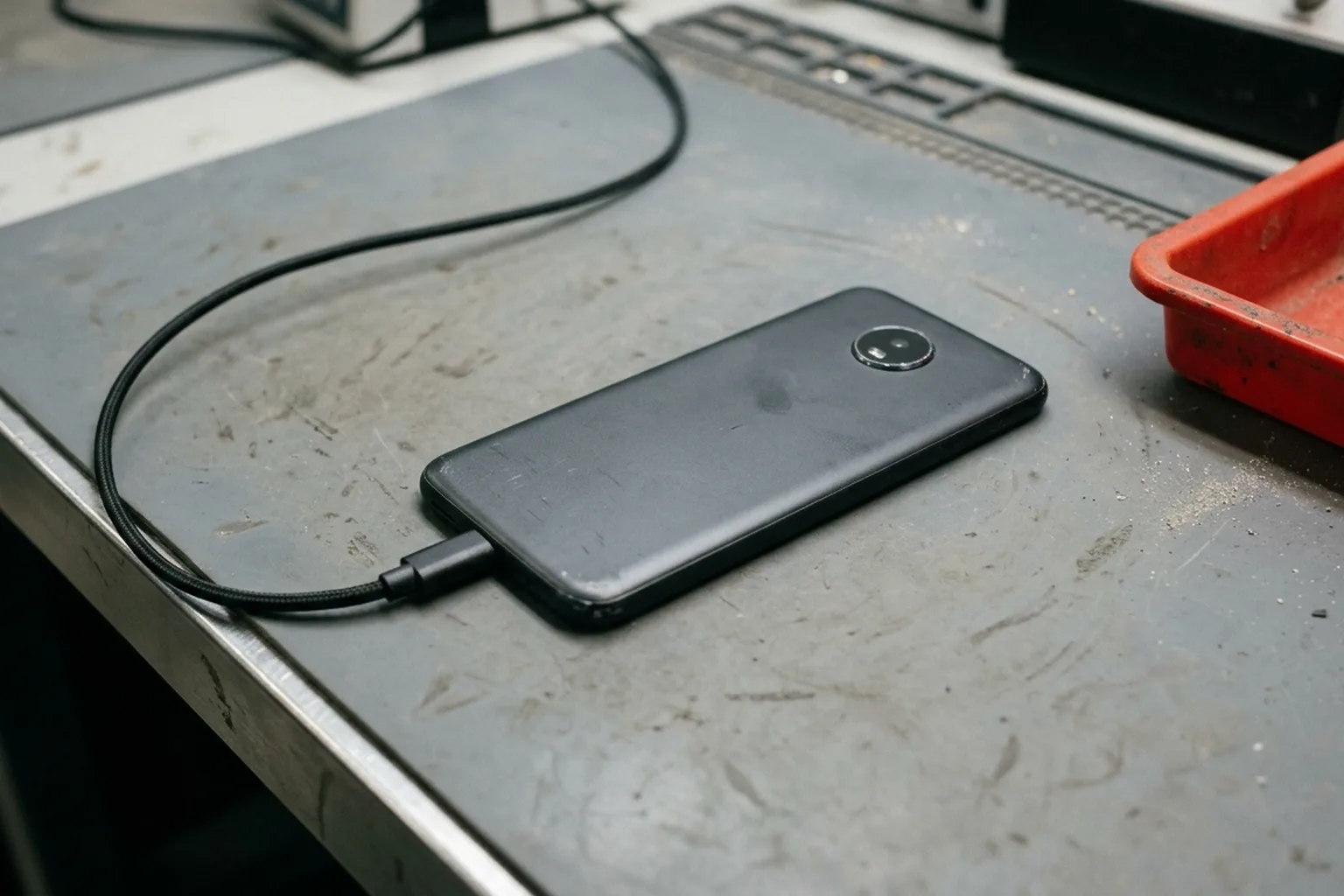
When the GSMA Device Check FAQ addresses cases where a device report does not match the physical handset in front of the inspector, it notes that the unit or its electronic identity could be counterfeit or tampered with. In a warehouse reconciliation, keep hardware-to-software conflicts and duplicate electronic identifiers in a segregated hold tray rather than forcing a spreadsheet override.
Copy the blank IMEI inventory reconciliation template
Download the blank IMEI inventory reconciliation worksheet (CSV). The file contains 24 structured column headers and a blank row, with no fabricated sample readings or prefilled pass statuses.
| Worksheet column group | Included CSV fields | Recording rule |
|---|---|---|
| Snapshot & cut-off header | reconciliation_batch_id, snapshot_export_datetime, movement_cutoff_confirmed, subinventory_or_bin_scope |
Complete before counting begins; lock the export timestamp and confirm pending transactions are cleared |
| Frozen system expectation | expected_asset_id, expected_model_sku, expected_imei_1, expected_imei_2, expected_serial_or_eid, expected_stock_status |
Populate directly from the frozen system snapshot for the target subinventory or bin |
| Physical count observation | counter_operator, count_datetime, observed_location_bin, observed_asset_tag, observed_imei_1, observed_imei_2, observed_serial_or_eid, identifier_observation_source |
Record what the counter actually observed on the floor and which medium (Settings, *#06#, Hello screen Info, SIM tray, Back housing, USB host, Packaging/tag, or Unreadable) supplied the string |
| Exception review & adjustment release | comparison_result, cutoff_movement_check, exception_disposition, evidence_reference, reviewer_signoff, review_datetime |
Retain every exception row and require reviewer sign-off before releasing any positive or negative inventory adjustment |
Before posting adjustments in your ERP or WMS, verify two procedural safeguards documented in the Oracle Inventory Physical Inventory guide:
- Account for every generated count tag or row before posting: Oracle warns that if an inventory count is configured to post without approval (
Never), any expected tag with no count entered is assumed to have a count of zero and adjusted down to zero automatically. Always run a missing-tag / uncounted-row check and explicitly void unused blank tags before launching adjustments. - Require explicit approval or rejection of all pending exceptions: Once the final adjustment process runs, tag counts for that physical inventory session are locked and cannot be edited. Complete all recounts, dual-SIM slot lookups, and quarantine transfers before signing off on the batch. For units returning to active testing or grading after an exception is cleared, follow the wholesale phone intake and diagnostic workflow guide.
What an IMEI stock audit cannot prove
An inventory reconciliation report proves only whether the identifiers listed in a dated stock export were observed in the designated physical locations during the audit window. Keep the following boundaries explicit in your audit trail:
- Not proof of ownership or clean network status: Matching
IMEI 1on a shelf unit to an ERP row does not establish legal title, carrier unlock eligibility, or absence from the GSMA Block List. Network block status requires querying an authorized registry service such as GSMA Device Check, and Activation Lock or Factory Reset Protection must be confirmed on the powered device. - Not a hardware diagnostic certificate: A handset that scans cleanly from its sleeve label or
"Hello"screen can still have degraded battery health, sensor faults, or liquid exposure. - Not automatic proof of theft or fraud: An unresolved
Missing from shelfrow documents an unexplained inventory variance after cut-off and recount checks. It does not establish whether the root cause was an unrecorded movement, a receiving keystroke error, a mislabeled bin, or physical loss.
Frequently asked questions
How do you reconcile IMEI inventory in Excel or CSV without losing leading zeros?
Format identifier columns as plain text before importing or pasting 15-digit IMEI, 14-digit MEID, or 32-digit EID strings. Standard numeric spreadsheet formatting truncates precision or converts long digit strings into scientific notation, which corrupts exact-match comparisons against the frozen system export.
Why does a dual-SIM phone show as both missing and unexpected during a stock count?
Dual-SIM phones that support both a physical SIM and an eSIM carry two distinct IMEIs (IMEI 1 and IMEI 2). If the warehouse export lists IMEI 1 while the counter scans IMEI 2 from the box or Settings screen, a single-column lookup treats the unit as one missing record and one unexpected record. Store IMEI 1, IMEI 2, and the serial number in separate columns tied to one internal asset ID.
Does a matching IMEI on the reconciliation report prove a phone is clean and unlocked?
No. Equality between the frozen stock export and the physical count confirms only that a unit displaying that identifier was present in the counted bin at the cut-off time. Network block status, Activation Lock, Factory Reset Protection, and hardware condition require separate verification steps.
Sources
- Find the serial number or IMEI on your iPhone, iPad, or iPod touch — Apple Accessed October 17, 2026.
- Find your IMEI and other Pixel phone ID numbers — Google Accessed October 17, 2026.
- How to use dual SIMs on your Google Pixel phone — Google Accessed October 17, 2026.
- Oracle Inventory User's Guide: Physical Inventory — Oracle Accessed October 17, 2026.
- GSMA Device Check FAQs — GSMA Accessed October 17, 2026.