Direct answer
On a Samsung wholesale unit, record Knox Guard state, the warranty-bit fuse, and the sales code or CSC as three different results. Hold the unit when the fuse reads 0x1, when Knox Guard is still Active or Locked, or when the sales code disagrees with the purchase record.
Key takeaways
- Knox Guard Active means the console can still control the phone. A factory reset is not the Complete state.
- The warranty bit moves from 0x0 to 0x1 once. Samsung documents printed-board replacement as the restoration path.
- Model, sales code, and CSC are separate firmware fields. Read them before a shop SIM changes an unlocked phone.
A Samsung handset can power on, take a charge, and pass a cosmetic grade while Knox Guard can still lock it, or while a tripped warranty fuse has already blocked Knox services. Grading that unit first wastes the inspection and leaves a phone the buyer cannot factory-reset or enroll.
Read three results per IMEI before cosmetic grading: Knox Guard state, the warranty-bit fuse, and the sales code next to the CSC. Hold the unit when the fuse shows 0x1, when Knox Guard is Active, Locked, Locking, or Reminder On, or when the sales code on the phone disagrees with the purchase record. A powered-on home screen is not any of those three results. Park the checks inside the wholesale phone intake workflow after the IMEI is matched and before the grade bin.
| Check | Passing record | Dominant failure mode | Prevention |
|---|---|---|---|
| Knox Guard | State recorded as Rejected or Complete, with the on-screen string copied | Reseller upload sits in Pending, auto-accept moves it to Activating, and the next network boot makes it Active or Locked | Power the unit, connect it, and write the state before grading. Do not treat airplane mode as a clear |
| Warranty bit | Download-mode line shows the untripped value 0x0 |
Trusted Boot opens the one-time e-fuse to 0x1 after an unsigned kernel or disabled SELinux |
Read the fuse in download mode. Do not flash the unit to “clean” a 0x1 |
| Sales code and CSC | Sale code, network code, and carrier ID match the purchase row; CSC noted as its own field | A shop SIM rewrites carrier apps on an unlocked phone, or a firmware package matches while the sales code does not | Copy the software-information screen before inserting a test SIM |
Separate the three checks before you grade
Knox Guard, the warranty bit, and the CSC answer different questions. Knox Guard is Samsung’s cloud service for locking and reminding devices that are tied to a payment plan or an enterprise. The warranty bit is a hardware e-fuse that records a non-approved boot state. CSC, in Samsung’s Knox Asset Intelligence wording, is the Consumer Software Customization build number, one third of the firmware version beside the Android processor build (AP) and the communication-processor build (CP).

Common mistake: Treating a clean IMEI blacklist result as proof that Knox Guard is finished. Blacklist coverage is a separate service result. Use the IMEI reconciliation worksheet for the blacklist line, and keep Knox Guard on its own line.
Takeaway: Write three fields. A pass on one does not fill the other two.
Knox Guard can lock a phone that already booted
Samsung’s Knox Guard overview, updated 26 June 2024, describes the service as cloud control for theft, loss, and payment default. The same page limits Knox Guard to Samsung devices manufactured with Android 11 or later, and it says Knox cloud services are supported on the five most recent major Android versions. A handset manufactured before Android 11 is outside that Knox Guard support statement. Record “not in documented Knox Guard scope” for that hardware generation, and still check account locks in the intake workflow. Do not write “clear.”
On devices Knox Guard does support, the 25 August 2025 status flow is:
- The reseller uploads the device. The console shows Pending.
- Acceptance moves it to Activating. If reseller preferences auto-accept uploads, Pending becomes Activating without a separate click.
- When the device boots and joins a network, activation starts, a license is assigned, and success moves the state to Active. Active means the device is managed and can be controlled.
- Devices must already be Activating within seven days of the first boot for that automatic path. After seven days, Samsung says the user must open Samsung Knox Guard on the device or factory-reset it to activate. A reset here is an enrollment action, not a release.
- Operations then show transient states: Locking, Starting Reminder, Unlocking, and others. Locked means the device is locked. Reminder On means blink reminders are on.
- Ending management moves the device to Completing. Samsung allows two days to cancel and return it to Active. With no cancellation, the narrative on that page says the state becomes Complete, while the state table labels the end state Completed. Copy the exact string from the screen you are looking at. Samsung says the Knox Guard client is deactivated when the device is Rejected or when management is marked Complete.
The overview states what a lock removes: USB, Bluetooth, NFC, FOTA, factory reset, and binary flashing stay restricted until the subscription is restored and the device is unlocked. The 28 January 2026 lock guide adds a PIN path for Android 9 and later. On devices Samsung calls “hardened security architecture,” a PIN unlock has 24 hours to reach the Knox Guard server. If it does not, the device locks again. A restart during that window closes it early and requires a new PIN.
Offline lock is a second path. Samsung says a device can show a combined state such as Locked and Offline when the offline-lock policy fires, because the server keeps the last state it heard. An airplane-mode bench hides that combination. It does not clear it.
Rules of thumb: If the warranty-void value is above 0, stop. For Knox Guard, if the state is Active, Locked, Locking, or Reminder On, hold the IMEI. If the only evidence is “it booted,” the Knox Guard field stays pending, because Active is assigned only after a network boot and a license.
Takeaway: Pending, Activating, Active, and Locked are still inside management. Release needs Rejected or the completed-management string, copied as shown.
Read the warranty bit in download mode
Samsung’s hardware-backed security note, updated 7 March 2025, stores the Knox Warranty Bit in a one-time e-fuse. Trusted Boot sets it when an unsigned kernel loads or when a critical control such as SELinux is disabled. The Knox Platform for Enterprise FAQ states the fuse turns from 0x0 to 0x1 and does not turn back. When it is tripped, the download screen shows Knox WARRANTY VOID: 0x01. Samsung’s FAQ says Knox will not run, and the restoration it documents is replacement of the printed board assembly.
The hardware note is specific about what survives a reset: device-bound KeyStore data stays inaccessible, and a factory reset can leave the phone usable while creating a work profile and Samsung Pay stay blocked. Secure Folder and Knox Workspace creation fail the same way in the FAQ. Everything outside the workspace is what Samsung says remains. That split is why a retail shop can still see a working phone and an enterprise buyer cannot enroll it.
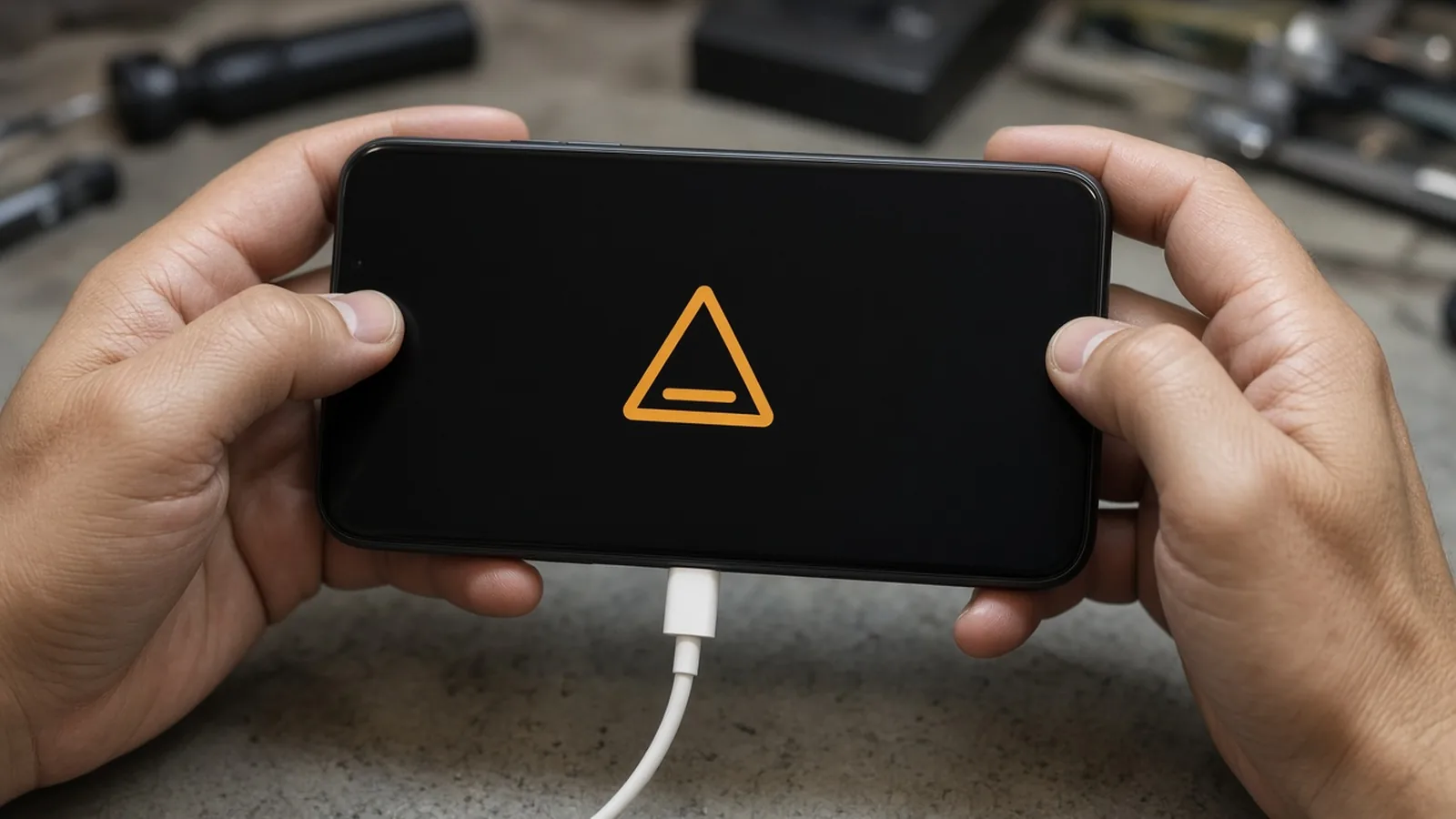
Samsung’s FAQ gives two entries. Use the one that matches the hardware in front of you, and write which one you used.
Newer models:
- Connect a USB cable to a powered-on computer.
- Power the phone off.
- Hold volume up and volume down together.
- While holding both keys, connect the cable to the phone.
- On the warning screen, release the keys and press volume up.
- Read the warranty-void line among the other parameters.
- Disconnect the cable, then hold volume up and power for more than 7 seconds to reboot.
Older models that have a home button:
- Power the phone off.
- Hold volume down, home, and power together.
- On the warning screen, press volume up.
- Read the warranty-bit line in the upper left.
Rule of thumb: If the warranty void value is above 0, hold the unit and mark Knox services blocked. Flashing another binary is the event Samsung cites as the trip, so a flash is not a repair.
Takeaway: 0x0 is the only untripped value Samsung prints. 0x1 stays on the board.
Record the sales code and the CSC as different fields
Samsung’s US page “Move your Galaxy phone to a different service carrier” tells a reader to open Settings, About phone, Software information, and Service provider software version. That screen shows the sale code, network code, and carrier ID. With a SIM installed, About phone, Status information, SIM card status shows the network name. Those are carrier-identity fields. They are not the warranty bit and they are not the Knox Guard state.
The same page says Samsung is changing how an unlocked Galaxy phone behaves when the carrier SIM changes. Power the phone off and on, and the software updates: branding, network configuration, carrier features, and system apps follow the SIM or the carrier linked to the eSIM. Previous carrier apps are disabled. User content, contacts, and downloaded apps stay. Unlock rules come from the carrier, not from Samsung. The page also says BYOD customization is not supported when Android for Work, Device Owner, or Profile Owner mode is on, when MAX power saving is on, or when the phone is not carrier unlocked. It separately says a Galaxy S8+ running Cricket or MetroPCS is not supported, and the opening note says Galaxy S8+ and later on those two brands are a case to treat as unsupported before you assume a SIM swap will rewrite the software.
That SIM behavior matters on a wholesale bench. Insert the shop’s test SIM only after you have copied the service-provider software version. Then power-cycle and copy the screen again. A change between the two copies is the BYOD behavior Samsung describes, not evidence that the seller’s sales code was wrong. A mismatch against the purchase record on the first copy, before your SIM, is the mismatch that holds the unit.
Knox E-FOTA, in the campaign guide updated 17 June 2026, fills its firmware table from the combination of model, sales code, and CSC. A more specific combination overrides a broader one. The guide defines CSC on that screen as Consumer Software Customization. Knox Asset Intelligence, updated 19 November 2025, splits firmware version into AP, CP, and CSC build numbers. So the three-letter sales code on the phone’s software-information screen and the CSC build are both required on the intake row. Matching one does not fill the other.
Rule of thumb: If the pre-SIM sale code differs from the code printed on the purchase row, hold the unit. Do not “correct” it by flashing a different region’s firmware. Samsung’s E-FOTA note says only firmware compatible with that model, sales code, and CSC is offered for a managed campaign, which is the opposite of an ad-hoc cross-flash.
Takeaway: Write model, sales code, and CSC on separate blanks. Write the screen twice when a SIM is inserted for the radio test.
Hold share and the minutes grading would waste
Count each IMEI once, in this order: warranty bit, then Knox Guard, then sales-code mismatch. A unit with a tripped fuse is not also added to the Knox Guard count.
N_hold = N_bit + N_guard + N_code
Hold share = N_hold / N_lot
Worked example, using assumed counts so the arithmetic is visible. These are not measurements from a shipment.
N_lot = 40N_bit = 3download screens show0x1N_guard = 2other units show Knox Guard LockedN_code = 1other unit’s pre-SIM sale code disagrees with the purchase rowN_hold = 3 + 2 + 1 = 6Hold share = 6 / 40 = 0.15
Grade time wasted if those six were polished first:
t_waste = N_hold × t_gradeWith t_grade = 8 minutes of cosmetic inspection per unit, t_waste = 6 × 8 = 48 minutes on this assumed lot. The 8 minutes is a planning input you replace with your own timed grade. The hold rule is not.
The hidden cost is larger than those 48 minutes when the failure mode blocks a resale channel:
- A Locked Knox Guard unit has factory reset and binary flashing restricted, so the bench cannot wipe or reflash it locally. Samsung’s unlock path is the managing admin, including a PIN that expires if the phone misses the server for 24 hours.
- A
0x1fuse blocks Knox-backed functions Samsung names, including Samsung Pay, Secure Folder, and a new work profile. The FAQ’s restoration is a board replacement, which is a parts cost, not a software setting. - A sales-code mismatch sends the unit down the wrong carrier-app and firmware track. Knox E-FOTA will not offer an arbitrary package for a different model, sales code, and CSC combination.
Put the three checks on the same bench as the lot-row reading guide and the grade language guide. The grade letter describes glass and housing. It does not describe the fuse.
Takeaway: Hold share is held units divided by the lot. Grade the passing remainder only.
Copy one Samsung acceptance record
| Field | What to write |
|---|---|
| Identity | IMEI, model code, shipment row |
| Knox Guard scope | Manufactured with Android 11 or later, or outside the Knox Guard support statement |
| Knox Guard state | Exact console or on-device string, date, network connected or not |
| Warranty bit | 0x0 or 0x1, and which button method was used |
| Software information, before test SIM | Sale code, network code, carrier ID |
| Software information, after test SIM | The same three fields, or “SIM not inserted” |
| Firmware split | AP, CP, and CSC build numbers when the screen shows them |
| Decision | Release, hold for admin unlock, hold for board, or hold for code mismatch |
| Minutes | Grade minutes spent before the hold, so t_waste can be recalculated |
What a clear home screen does not prove
A home screen does not prove Rejected or Complete Knox Guard state, an intact fuse, or a sales code that matches the invoice. It also does not prove the IMEI is clear of a blacklist, which stays on the reconciliation worksheet, or that the cosmetic grade matches the seller’s words.
Takeaway: Release a Samsung unit only when all three fields are filled with the passing values above. Anything else stays on hold with the string you actually saw.
How this page was checked
Primary references include the Samsung Knox Guard overview (26 June 2024), Knox Guard status flow (25 August 2025), lock and unlock guide (28 January 2026), Knox Platform for Enterprise FAQ, hardware-backed security note (7 March 2025), Knox E-FOTA campaign creation guide (17 June 2026), Knox Asset Intelligence device details (19 November 2025), and Samsung US answer ANS10002910 on carrier changes. The hold formula uses illustrative counts so a buyer can substitute a live receiving tally.
Frequently asked questions
Does a factory reset clear Knox Guard?
No. Samsung's status flow moves a managed device through Completing for two days and then to Complete before the Knox Guard client is deactivated. A factory reset is one of the manual activation paths after the seven-day window, so it can start enrollment rather than end it.
Can the Knox warranty bit be returned to 0x0?
Samsung's Knox Platform for Enterprise FAQ says the fuse turns from 0x0 to 0x1 and cannot be reverted. The documented restoration is replacement of the printed board assembly, not a software flash.
Where is the Samsung sales code on the phone?
Samsung's US support page says to open Settings, About phone, Software information, then Service provider software version. That screen shows the sale code, network code, and carrier ID.
Is the CSC the same thing as the sales code?
Samsung uses CSC for Consumer Software Customization, one of the three firmware build numbers alongside AP and CP. Knox E-FOTA also targets firmware by the combination of model, sales code, and CSC, so a matching CSC layer does not by itself prove the sales code.
Sources
- Knox Guard — Samsung Knox Accessed October 20, 2026.
- Knox Guard status flow — Samsung Knox Accessed October 20, 2026.
- Lock and unlock devices — Samsung Knox Accessed October 20, 2026.
- Knox Platform for Enterprise frequently asked questions — Samsung Knox Accessed October 20, 2026.
- Hardware-backed security — Samsung Knox Accessed October 20, 2026.
- Create a campaign (Knox E-FOTA) — Samsung Knox Accessed October 20, 2026.
- Manage devices (Knox Asset Intelligence) — Samsung Knox Accessed October 20, 2026.
- Move your Galaxy phone to a different service carrier — Samsung Accessed October 20, 2026.