Direct answer
On an iPhone, opening Settings > General > About shows whether the iPhone is unlocked: if "No SIM restrictions" appears next to Carrier Lock, the iPhone is unlocked. AT&T displays an unpaid device message when a user attempts to use a device that is linked to another AT&T Wireless account with an active AT&T Installment Plan. Querying GSMA Device Check returns either a Green status 'NO - not flagged on GSMA Block List' or a Red status 'YES - flagged on GSMA Block List' and the reason such as lost or stolen in the Device History.
Key takeaways
- Verizon states that devices previously reported as lost or stolen will not be unlocked until they are cleared from the lost or stolen report, and once a Verizon device is unlocked, Verizon will never re-lock it.
- To unlock an AT&T Wireless or AT&T Business device, the device must be paid in full at purchase or paid off through an installment plan so that the installment balance is zero before unlocking.
- On Verizon, if a Verizon Gift Card is used to purchase a smartphone or pay off a remaining device financing balance, the unlocking process will be delayed by 35 days to verify that the gift card funds were not obtained through fraudulent or illegal means.
On an iPhone, opening Settings > General > About shows whether the iPhone is unlocked: if “No SIM restrictions” appears next to Carrier Lock, the iPhone is unlocked. An iPhone purchased from Apple is unlocked and remains unlocked once activated, except when financed through the AT&T Installment Plan, T-Mobile Equipment Installment Plan, or Verizon Device Payment Program, where the iPhone will be locked to the carrier until paid in full. AT&T displays an unpaid device message when a user attempts to use a device that is linked to another AT&T Wireless account with an active AT&T Installment Plan. Under the FCC 60-day locking waiver, after the expiration of the 60-day period, Verizon must automatically unlock the handsets regardless of whether (1) the customer asks for the handset to be unlocked, or (2) the handset is fully paid off.
Separate the on-device SIM lock readout, the carrier installment record, and the GSMA Block List response before accepting wholesale handset lots into resale inventory. Keep these three verification records alongside the wholesale phone category guides, the IMEI blacklist and financial lock screening guide, and the regional model-code and band verification guide.
| Intake verification field | Published specification | Receiving scope |
|---|---|---|
| Apple iPhone Carrier Lock readout | On an iPhone, opening Settings > General > About shows whether the iPhone is unlocked: if “No SIM restrictions” appears next to Carrier Lock, the iPhone is unlocked. | On-device baseband SIM lock check |
| Apple Store financing lock rule | An iPhone purchased from Apple is unlocked and remains unlocked once activated, except when financed through the AT&T Installment Plan, T-Mobile Equipment Installment Plan, or Verizon Device Payment Program, where the iPhone will be locked to the carrier until paid in full. | Retail purchase versus carrier financing check |
| AT&T unpaid installment trigger | AT&T displays an unpaid device message when a user attempts to use a device that is linked to another AT&T Wireless account with an active AT&T Installment Plan. | Account-level installment linkage check |
| AT&T account authorization limit | A device linked to another AT&T Wireless account with an active AT&T Installment Plan is not authorized for use on a different AT&T Wireless account and must be used with the AT&T Wireless service on the authorized AT&T account. | Domestic AT&T activation eligibility |
| Verizon Postpay payoff rule | Under Verizon’s Postpay Device Unlocking Policy, devices purchased directly from Verizon are locked to the Verizon network and will be unlocked automatically when purchased at full retail price or if the device financing agreement balance is paid in full. | Verizon postpaid balance verification |
| Verizon SIM unlock permanence | Verizon states that devices previously reported as lost or stolen will not be unlocked until they are cleared from the lost or stolen report, and once a Verizon device is unlocked, Verizon will never re-lock it. | Baseband lock permanence check |
| T-Mobile Postpaid unlock baseline | For T-Mobile Postpaid plans, the device must have been active on the T-Mobile network for at least 40 days on the requesting line, if financed or leased through T-Mobile all payments must be satisfied and the device must be paid in full, and if associated with a canceled account the account balance must be zero. | T-Mobile EIP and lease clearance |
| GSMA Device Check responses | Querying GSMA Device Check returns either a Green status ‘NO - not flagged on GSMA Block List’ or a Red status ‘YES - flagged on GSMA Block List’ and the reason such as lost or stolen in the Device History. | Industry block-list status check |
How do you check SIM and network lock status across iPhone, Samsung Galaxy, and Google Pixel lots?
Verify the platform-specific settings menu path on each handset before inserting a test SIM or routing the unit to cosmetic grading. Pair these menu checks with the physical inspection sequence in the wholesale phone intake and diagnostic workflow.
Apple iPhone Carrier Lock display and eSIM activation rules
On an iPhone, opening Settings > General > About shows whether the iPhone is unlocked: if “No SIM restrictions” appears next to Carrier Lock, the iPhone is unlocked. In an AT&T Wireless account view, an unlocked device will say “Device unlocked” in the Device info section, whereas on an iPhone under Settings > General > About > Carrier Lock, if it says “SIM locked,” the device is locked. Apple states that Apple cannot unlock an iPhone for use with a different carrier and that only the current carrier can unlock the iPhone.
On a device with iOS 14 and later, if an unsupported SIM card alert appears on an iPhone, under Settings > General > About and Carrier Lock, you should see a message that says “No SIM restrictions.” On an iPhone running iOS 13 or earlier, completing a carrier unlock after an unsupported SIM alert requires contacting the carrier to confirm that they applied the unlock in their system, restoring the iPhone to factory settings, and then restoring the iPhone from a backup.
An iPhone purchased from Apple is unlocked and remains unlocked once activated, except when financed through the AT&T Installment Plan, T-Mobile Equipment Installment Plan, or Verizon Device Payment Program, where the iPhone will be locked to the carrier until paid in full. Carrier-connected iPhone 16, iPhone 17e, iPhone 17, iPhone Air, iPhone 18 Pro, and iPhone Duo models purchased from apple.com will arrive ready to activate with eSIM without a physical SIM card. Apple states that all iPhone models can roam internationally on GSM networks in over 200 countries or regions, and buyers who financed their iPhone with their wireless carrier should contact them to verify that they can roam internationally.
Samsung Galaxy menu paths and BYOD customization blockers
On Samsung devices released before September 1, 2025, AT&T instructs checking Settings > About phone > Software information > Service provider software version: text ending in ATT/ATT indicates an original AT&T device that can be unlocked, whereas text containing ATT but ending in something else indicates the device was unlocked before coming to AT&T. On Samsung devices released after September 1, 2025, AT&T instructs checking unlock status by opening Settings > Connections > More connection settings and looking for Network lock status.
On Samsung Galaxy phones, navigating to Settings > About phone > Software information > Service provider software version displays the sale code, network code, and carrier ID, while Settings > About phone > Status information > SIM card status displays the network provider, IMS registration status, and ICCID. Samsung states that when switching between carriers, the phone must be unlocked by the outbound carrier for BYOD customization to activate, and BYOD customization is not supported if Android for Work (AFW), Device Owner (DO), or Profile Owner (PO) mode is activated, MAX Power saving mode is on, the phone is not carrier unlocked, or the phone is a Galaxy S8+ running Cricket or MetroPCS.
Google Pixel SIM-unlock status and dialer refresh code
Google states that all Pixel phones in the Google Store come unlocked and display “Fi” until set up with a carrier, whereas a Pixel phone bought from a mobile service provider could be SIM-locked for up to 2 years until the seller removes the SIM-lock or the contract ends. Google warns that not all Pixel 4a (5G) and later phones work on all 5G networks even when SIM-unlocked, and provides dialer code *#*#7465625#*#* with a wait of about 2 minutes over Wi-Fi to refresh SIM status after a carrier removes a SIM-lock.
| Handset platform check | Published manufacturer or carrier rule | Bench recording note |
|---|---|---|
| iPhone Carrier Lock path | On an iPhone, opening Settings > General > About shows whether the iPhone is unlocked: if “No SIM restrictions” appears next to Carrier Lock, the iPhone is unlocked. | Record exact Carrier Lock string |
| iPhone locked display | In an AT&T Wireless account view, an unlocked device will say “Device unlocked” in the Device info section, whereas on an iPhone under Settings > General > About > Carrier Lock, if it says “SIM locked,” the device is locked. | Compare portal view and device menu |
| iOS 14+ SIM alert check | On a device with iOS 14 and later, if an unsupported SIM card alert appears on an iPhone, under Settings > General > About and Carrier Lock, you should see a message that says “No SIM restrictions.” | Verify iOS release before retesting |
| iOS 13 restore requirement | On an iPhone running iOS 13 or earlier, completing a carrier unlock after an unsupported SIM alert requires contacting the carrier to confirm that they applied the unlock in their system, restoring the iPhone to factory settings, and then restoring the iPhone from a backup. | Legacy iOS factory restore step |
| Samsung pre-Sept 2025 path | On Samsung devices released before September 1, 2025, AT&T instructs checking Settings > About phone > Software information > Service provider software version: text ending in ATT/ATT indicates an original AT&T device that can be unlocked, whereas text containing ATT but ending in something else indicates the device was unlocked before coming to AT&T. | Copy Service provider software version |
| Samsung post-Sept 2025 path | On Samsung devices released after September 1, 2025, AT&T instructs checking unlock status by opening Settings > Connections > More connection settings and looking for Network lock status. | Check Network lock status menu |
| Samsung sale code and ICCID | On Samsung Galaxy phones, navigating to Settings > About phone > Software information > Service provider software version displays the sale code, network code, and carrier ID, while Settings > About phone > Status information > SIM card status displays the network provider, IMS registration status, and ICCID. | Log sale code, network code, and carrier ID |
| Samsung BYOD exclusions | Samsung states that when switching between carriers, the phone must be unlocked by the outbound carrier for BYOD customization to activate, and BYOD customization is not supported if Android for Work (AFW), Device Owner (DO), or Profile Owner (PO) mode is activated, MAX Power saving mode is on, the phone is not carrier unlocked, or the phone is a Galaxy S8+ running Cricket or MetroPCS. | Screen for AFW, DO, PO, and power mode |
| Google Pixel store vs carrier | Google states that all Pixel phones in the Google Store come unlocked and display “Fi” until set up with a carrier, whereas a Pixel phone bought from a mobile service provider could be SIM-locked for up to 2 years until the seller removes the SIM-lock or the contract ends. | Check initial “Fi” carrier label |
| Google Pixel SIM refresh code | Google warns that not all Pixel 4a (5G) and later phones work on all 5G networks even when SIM-unlocked, and provides dialer code *#*#7465625#*#* with a wait of about 2 minutes over Wi-Fi to refresh SIM status after a carrier removes a SIM-lock. |
Connect Wi-Fi before running dialer refresh |
Why does an unlocked phone still fail carrier activation on an unpaid installment plan?
Keep the on-device baseband lock state separate from the carrier billing and installment ledger when evaluating used and trade-in lots.
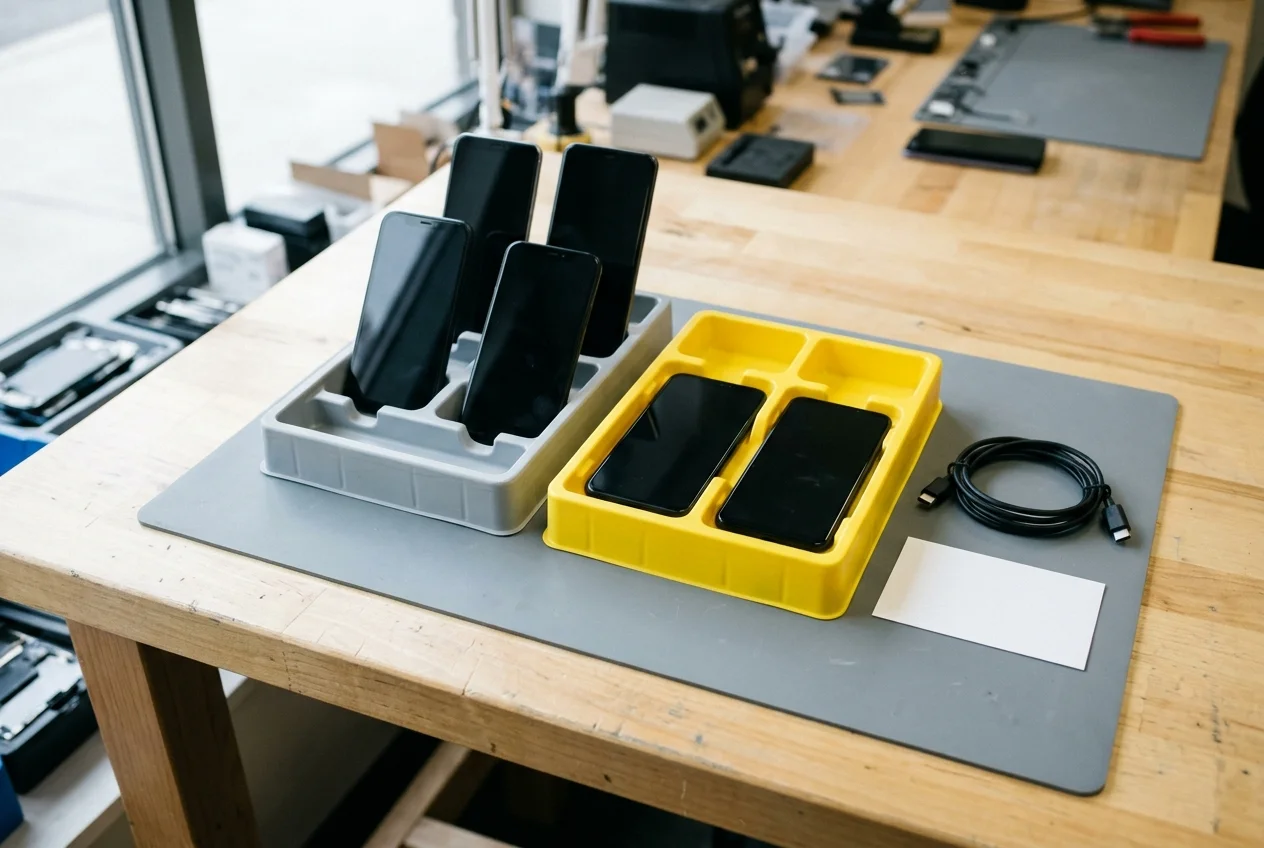
AT&T displays an unpaid device message when a user attempts to use a device that is linked to another AT&T Wireless account with an active AT&T Installment Plan. A device linked to another AT&T Wireless account with an active AT&T Installment Plan is not authorized for use on a different AT&T Wireless account and must be used with the AT&T Wireless service on the authorized AT&T account.
On the Verizon network, federal spectrum rules and regulatory waivers shaped why unlocked handsets can still carry financing balances. Federal regulation 47 CFR § 27.16 applies to authorizations for Block C in the 746-757 and 776-787 MHz bands, and paragraph (e) states that no C Block licensee may disable compliant features on handsets nor configure handsets to prohibit use on other providers’ networks. In 2012, the FCC Enforcement Bureau entered an Order and Consent Decree with Cellco Partnership d/b/a Verizon Wireless in 27 FCC Rcd 8932 resolving an investigation into Verizon’s device locking policies by adopting a compliance plan and a payment of $1,250,000.
In WT Docket No. 06-150, adopted June 25, 2019, the FCC Wireless Telecommunications Bureau granted Verizon a partial waiver of 47 CFR § 27.16(e) on the 22-megahertz Upper 700 MHz C Block in the 746-757 and 776-787 MHz bands to permit locking a customer’s handset for 60 days from the date it becomes active on Verizon’s network. Verizon reported that handset fraud cost the company approximately $190 million in 2018, up from approximately $115 million in 2017, and that it lost almost 210,000 devices in 2018, up from approximately 155,000 devices in 2017. Verizon reported that handset fraud cost it $34 million in January 2019, a 93% increase over January 2018.
Under the FCC 60-day locking waiver, after the expiration of the 60-day period, Verizon must automatically unlock the handsets regardless of whether (1) the customer asks for the handset to be unlocked, or (2) the handset is fully paid off. Verizon states that devices previously reported as lost or stolen will not be unlocked until they are cleared from the lost or stolen report, and once a Verizon device is unlocked, Verizon will never re-lock it.
At the industry level, the wireless industry established six general handset unlocking commitments in 2013 as part of the CTIA Consumer Code for Wireless Service, including unlocking eligible mobile devices or initiating a request to the original equipment manufacturer to unlock an eligible device within two business days of receiving a request. Under the CTIA Unlocking Commitments, participating service providers unlock handsets one year after activation for prepaid, and after fulfillment of a service contract, handset financing plan, or payment of an early termination fee for postpaid. The FCC received 5,300 consumer complaints about handset locking between January 1, 2015 and June 2019; 4,800 complaints from June 2019 to November 2021; 6,900 complaints from November 2021 to October 2023; and 3,500 consumer complaints about handset unlocking from October 2023 to June 17, 2024.
How do US carrier postpaid and prepaid unlock policies compare?
Check the originating carrier’s published postpaid, business, and prepaid unlock criteria before bidding on carrier-branded wholesale stock.
AT&T Wireless, AT&T Business, and AT&T Prepaid
To unlock an AT&T Wireless device, the device must have been purchased more than 60 days ago and must not be active on another AT&T account. To unlock an AT&T Wireless or AT&T Business device, the device must be paid in full at purchase or paid off through an installment plan so that the installment balance is zero before unlocking. AT&T requires that a device has not been reported lost, stolen, or involved in fraud, and if the requester is a current AT&T customer, the account bill cannot be past due.
For AT&T Business devices that were on a two-year contract and upgraded early, AT&T states that you must wait for 30 days to unlock the device. An AT&T Prepaid device can be unlocked if it has 12 months of paid AT&T service, is not active on another AT&T account, and has not been reported as lost, stolen, or involved with fraud.
Verizon Postpay, Verizon Business, Verizon Prepaid, and Verizon Value
Under Verizon’s Postpay Device Unlocking Policy, devices purchased directly from Verizon are locked to the Verizon network and will be unlocked automatically when purchased at full retail price or if the device financing agreement balance is paid in full. On Verizon, if a Verizon Gift Card is used to purchase a smartphone or pay off a remaining device financing balance, the unlocking process will be delayed by 35 days to verify that the gift card funds were not obtained through fraudulent or illegal means.
Under the Verizon Business Device Unlocking Policy, in addition to full retail purchase or paying the device financing agreement balance in full, business customers’ devices will be unlocked when the line term for a device ends, or the termination fee is paid, subject to the Verizon business agreement. Under Verizon’s Prepaid Device Unlocking Policy, prepaid devices purchased from Verizon will remain locked until the completion of 365 days of paid and active service, after which Verizon will automatically remove the lock unless the device is deemed stolen or purchased fraudulently. For deployed military personnel who suspend their Verizon Wireless line upon relocation orders outside the Verizon Coverage Area, Verizon states that the device will only be unlocked after the account has been verified in good standing after 60 days of being active under the policy effective February 18, 2026.
For Verizon Value brands, unlock timing depends on the activation date and underlying network:
- Under Verizon Value’s Unlocking Policy effective January 20, 2026, with clarifying notes added July 31, 2026, cellphones activated on the T-Mobile or AT&T networks on or before January 19, 2026 will be remotely unlocked upon customer request after 365 days of paid and active service.
- For Verizon Value cellphones activated on the Verizon network on or before January 19, 2026, the cellphone will be remotely unlocked automatically 60 days after paid Activation and 60 days of paid active service.
- For all Verizon Value cellphones activated on any network on or after January 20, 2026, the cellphone will be unlocked upon request after a cumulative total of 365 days of paid and active service.
- For certain Verizon Value customers who are not on the Verizon network or who activated on the Verizon network on or before November 23, 2021 without meeting the required minimum period of active paid service, Verizon Value may unlock the cellphone, but the customer will incur a charge of up to $300, depending on how long service was active.
T-Mobile Postpaid, T-Mobile Prepaid, Mint Mobile, Ultra Mobile, and Metro by T-Mobile
Once a T-Mobile device becomes eligible for unlocking, T-Mobile will automatically and remotely unlock the device within two business days if the device supports remote unlock, or will send a notification to the device within two business days of it becoming eligible with next steps. T-Mobile device unlock eligibility requires that the device must be sold by T-Mobile, must not be reported as lost, stolen, or blocked, and the account associated with the device must be in good standing.
For T-Mobile Postpaid plans, the device must have been active on the T-Mobile network for at least 40 days on the requesting line, if financed or leased through T-Mobile all payments must be satisfied and the device must be paid in full, and if associated with a canceled account the account balance must be zero. Under the T-Mobile–Sprint Amended Final Judgment in Case 1:19-cv-02232 on Oct. 23, 2023, T-Mobile is required to unlock prepaid mobile wireless devices no later than 1 year after initial activation and to unlock postpaid handsets only after a customer fulfills the term of the postpaid service contract or handset financing plan, or pays any applicable early termination fee.
For T-Mobile Prepaid plans, at least 365 days must have passed since the device was activated on the T-Mobile network, or if activated less than 365 days ago, the Prepaid account must have had more than $100 in refills for each active line and more than 14 days must have passed since the device was purchased. Under T-Mobile’s Prepaid unlock policy, no more than 2 mobile device unlocks can have been completed per line of service in the last 12 months.
Under the T-Mobile–Mint Mobile and Ultra Mobile Memorandum Opinion and Order in GN Docket No. 23-171, DA 24-387, Apr. 25, 2024, T-Mobile committed to a 60-day unlocking period for Mint Mobile and Ultra Mobile handsets not on a financing plan, whereas handsets subject to a financing plan are not subject to the 60-day unlock policy unless paid off early. T-Mobile increased the locking period for Metro by T-Mobile handsets from 180 days as of May 5, 2024 to 365 days from the handset’s activation date.
| Carrier and plan tier | Published unlock and financial eligibility rule | Wholesale intake check |
|---|---|---|
| AT&T Wireless tenure | To unlock an AT&T Wireless device, the device must have been purchased more than 60 days ago and must not be active on another AT&T account. | Confirm inactive status on prior account |
| AT&T installment payoff | To unlock an AT&T Wireless or AT&T Business device, the device must be paid in full at purchase or paid off through an installment plan so that the installment balance is zero before unlocking. | Verify zero installment balance |
| AT&T Business early upgrade | For AT&T Business devices that were on a two-year contract and upgraded early, AT&T states that you must wait for 30 days to unlock the device. | Check business upgrade waiting window |
| AT&T Prepaid service tenure | An AT&T Prepaid device can be unlocked if it has 12 months of paid AT&T service, is not active on another AT&T account, and has not been reported as lost, stolen, or involved with fraud. | Verify prepaid service completion |
| Verizon Postpay balance rule | Under Verizon’s Postpay Device Unlocking Policy, devices purchased directly from Verizon are locked to the Verizon network and will be unlocked automatically when purchased at full retail price or if the device financing agreement balance is paid in full. | Check financing agreement payoff |
| Verizon Gift Card delay | On Verizon, if a Verizon Gift Card is used to purchase a smartphone or pay off a remaining device financing balance, the unlocking process will be delayed by 35 days to verify that the gift card funds were not obtained through fraudulent or illegal means. | Account for gift-card verification hold |
| Verizon Prepaid tenure | Under Verizon’s Prepaid Device Unlocking Policy, prepaid devices purchased from Verizon will remain locked until the completion of 365 days of paid and active service, after which Verizon will automatically remove the lock unless the device is deemed stolen or purchased fraudulently. | Confirm prepaid service completion |
| Verizon Value post-Jan 2026 | For all Verizon Value cellphones activated on any network on or after January 20, 2026, the cellphone will be unlocked upon request after a cumulative total of 365 days of paid and active service. | Check cumulative active service requirement |
| T-Mobile Postpaid rules | For T-Mobile Postpaid plans, the device must have been active on the T-Mobile network for at least 40 days on the requesting line, if financed or leased through T-Mobile all payments must be satisfied and the device must be paid in full, and if associated with a canceled account the account balance must be zero. | Verify EIP payoff and zero canceled balance |
| T-Mobile Prepaid rules | For T-Mobile Prepaid plans, at least 365 days must have passed since the device was activated on the T-Mobile network, or if activated less than 365 days ago, the Prepaid account must have had more than $100 in refills for each active line and more than 14 days must have passed since the device was purchased. | Check activation tenure or refill threshold |
| Mint and Ultra Mobile order | Under the T-Mobile–Mint Mobile and Ultra Mobile Memorandum Opinion and Order in GN Docket No. 23-171, DA 24-387, Apr. 25, 2024, T-Mobile committed to a 60-day unlocking period for Mint Mobile and Ultra Mobile handsets not on a financing plan, whereas handsets subject to a financing plan are not subject to the 60-day unlock policy unless paid off early. | Separate financed from non-financed units |
| Metro by T-Mobile tenure | T-Mobile increased the locking period for Metro by T-Mobile handsets from 180 days as of May 5, 2024 to 365 days from the handset’s activation date. | Verify activation date against lock window |
How does a GSMA Block List check differ from carrier installment verification?
Record the industry block-list lookup and the carrier installment account status as separate findings on the receiving sheet. See the IMEI blacklist and financial lock screening guide for detailed record layout rules.
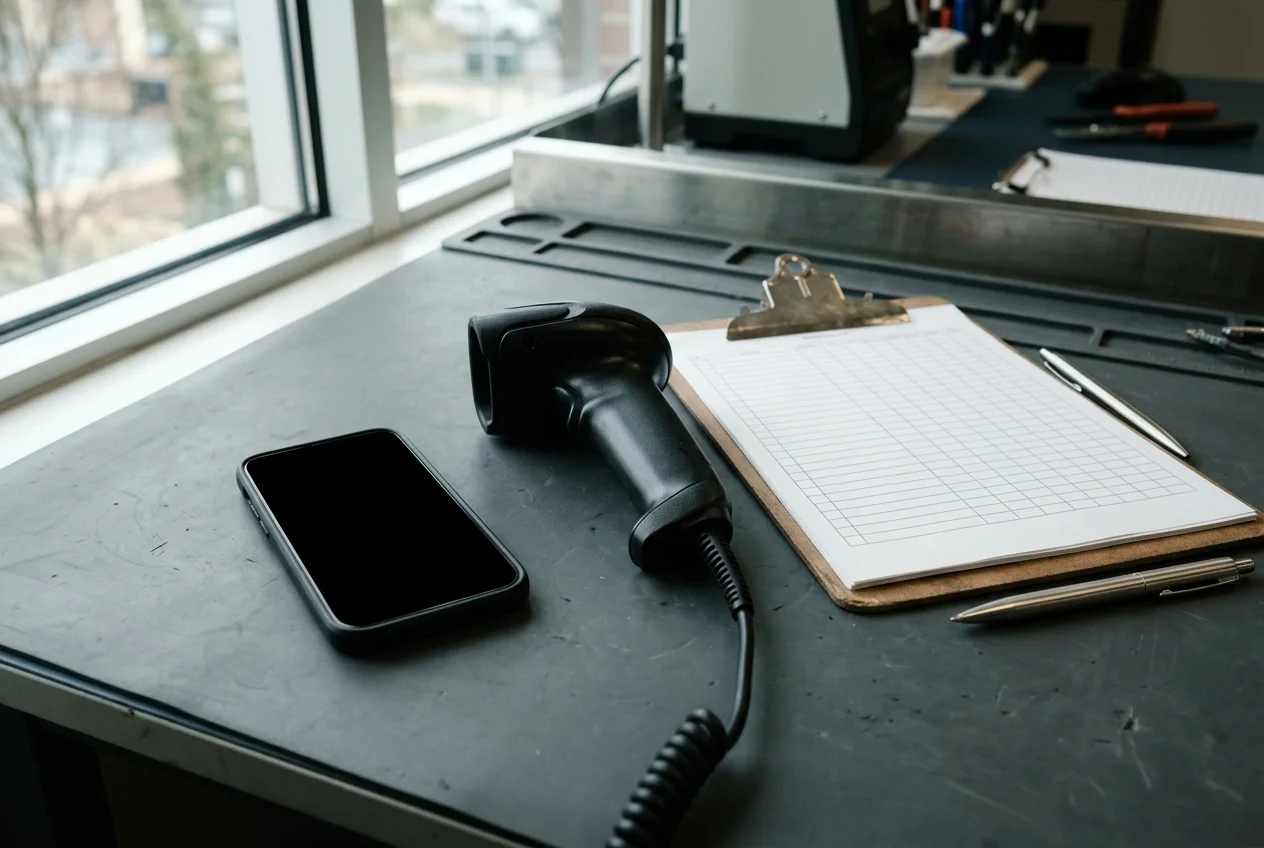
GSMA defines an IMEI as the 15-digit electronic serial number for a GSM cellular device, an MEID as a 14-digit electronic serial number for a CDMA cellular device, and an ESN as an 8- or 11-digit electronic serial number for CDMA cellular phones, displayed by entering *#06# on the phone app keypad. GSMA defines Network Blocking or Cellular Access Blocking as where a mobile network operator prevents use of a device on its network by blocking the IMEI.
Querying GSMA Device Check returns either a Green status ‘NO - not flagged on GSMA Block List’ or a Red status ‘YES - flagged on GSMA Block List’ and the reason such as lost or stolen in the Device History. By contrast, AT&T displays an unpaid device message when a user attempts to use a device that is linked to another AT&T Wireless account with an active AT&T Installment Plan. A device linked to another AT&T Wireless account with an active AT&T Installment Plan is not authorized for use on a different AT&T Wireless account and must be used with the AT&T Wireless service on the authorized AT&T account.
| Record field | Published source definition | Intake disposition rule |
|---|---|---|
| Device serial identifier | GSMA defines an IMEI as the 15-digit electronic serial number for a GSM cellular device, an MEID as a 14-digit electronic serial number for a CDMA cellular device, and an ESN as an 8- or 11-digit electronic serial number for CDMA cellular phones, displayed by entering *#06# on the phone app keypad. |
Match dialer serial to housing and manifest |
| Network Blocking definition | GSMA defines Network Blocking or Cellular Access Blocking as where a mobile network operator prevents use of a device on its network by blocking the IMEI. | Operator-level cellular access restriction |
| GSMA Device Check status | Querying GSMA Device Check returns either a Green status ‘NO - not flagged on GSMA Block List’ or a Red status ‘YES - flagged on GSMA Block List’ and the reason such as lost or stolen in the Device History. | Log literal Green or Red status string |
| AT&T unpaid device message | AT&T displays an unpaid device message when a user attempts to use a device that is linked to another AT&T Wireless account with an active AT&T Installment Plan. | Hold unit in quarantine for installment review |
Copy a dual-track SIM lock and financial eligibility intake checklist
Use this receiving table to log each handset’s serial identifier, on-device SIM lock readout, carrier installment standing, and block-list response before moving wholesale stock to grading bins. Browse the wholesale phone guides and the regional model-code and band verification guide for additional lot inspection worksheets.
| Intake stage | Verification action on the receiving bench |
|---|---|
| Serial identifier capture | Display the serial identifier on the keypad and match it against the lot manifest row |
| On-device lock menu check | Open the platform settings menu and copy the literal carrier or network lock string |
| BYOD customization check | Confirm enterprise management modes and power-saving blockers are inactive before carrier switching |
| Carrier installment check | Verify that any carrier installment or device payment balance is cleared rather than active on another account |
| Block-list screening check | Record the literal block-list lookup result in its own column alongside the carrier installment status |
Sources
- Apple Support — How to unlock your iPhone for use with a different carrier
- Apple Store — Carrier Financing and Unlocked Status FAQ
- AT&T Support — Get info about unpaid device messages
- AT&T Support — Learn how to unlock AT&T phones or devices
- Verizon — Device Unlocking Policies
- TracFone Wireless and Verizon Value — Unlocking Policy
- T-Mobile — SIM Unlock Policy
- Legal Information Institute — Electronic Code of Federal Regulations
- FCC Wireless Telecommunications Bureau — Handset Locking Waiver Order
- FCC — Handset Unlocking Policies Notice of Proposed Rulemaking
- GSMA — Device Check FAQs
- Google Pixel Phone Help — Find out if your Pixel phone is unlocked
- Samsung US Support — Unlock your Galaxy phone or tablet for use with another carrier
Frequently asked questions
Can Apple unlock a carrier-locked iPhone during wholesale intake?
Apple states that Apple cannot unlock an iPhone for use with a different carrier and that only the current carrier can unlock the iPhone. On an iPhone running iOS 13 or earlier, completing a carrier unlock after an unsupported SIM alert requires contacting the carrier to confirm that they applied the unlock in their system, restoring the iPhone to factory settings, and then restoring the iPhone from a backup.
Why does an automatically unlocked Verizon phone still need an installment check?
Under the FCC 60-day locking waiver, after the expiration of the 60-day period, Verizon must automatically unlock the handsets regardless of whether (1) the customer asks for the handset to be unlocked, or (2) the handset is fully paid off. Verizon states that devices previously reported as lost or stolen will not be unlocked until they are cleared from the lost or stolen report, and once a Verizon device is unlocked, Verizon will never re-lock it.
Does a Verizon Gift Card payoff unlock a financed smartphone immediately?
On Verizon, if a Verizon Gift Card is used to purchase a smartphone or pay off a remaining device financing balance, the unlocking process will be delayed by 35 days to verify that the gift card funds were not obtained through fraudulent or illegal means.
Where do you check network lock status on Samsung phones released before and after September 1, 2025?
On Samsung devices released before September 1, 2025, AT&T instructs checking Settings > About phone > Software information > Service provider software version: text ending in ATT/ATT indicates an original AT&T device that can be unlocked, whereas text containing ATT but ending in something else indicates the device was unlocked before coming to AT&T. On Samsung devices released after September 1, 2025, AT&T instructs checking unlock status by opening Settings > Connections > More connection settings and looking for Network lock status.